


Microsoft Teams Desktop Right-Click Paste Greyed Out After April Patch Tuesday
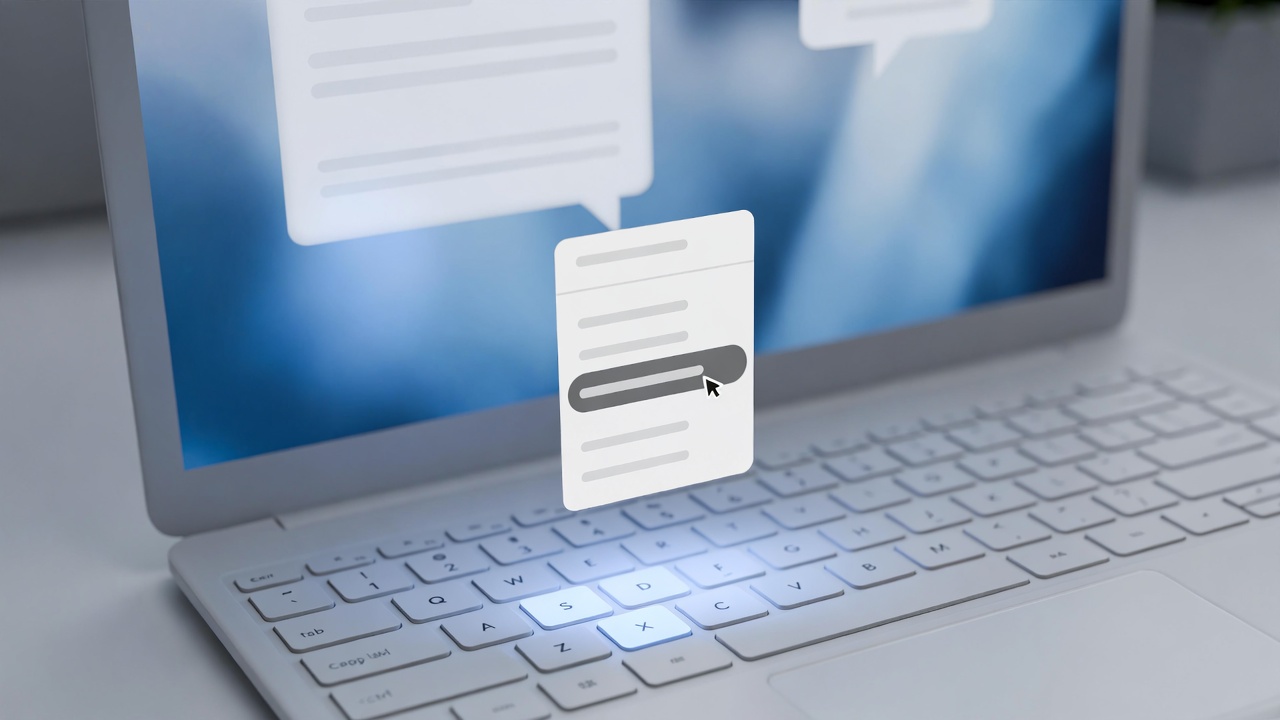
If you or your users have been fighting with Microsoft Teams desktop after rolling out the April 2026 patch cycle and cannot figure out why right-click Paste is suddenly greyed out, you are not imagining it and it is not your install. Microsoft has acknowledged a service-wide regression in the Teams desktop client tied to a recent Microsoft Edge update that shipped alongside the April 2026 patches. Ctrl+V still works. Right-click Paste does not.
This one has generated a lot of bad troubleshooting advice online already, most of it copied from older unrelated issues. Reinstalling Teams will not fix it. Clearing the Teams cache will not fix it. Uninstalling and reinstalling Edge WebView2 will not fix it. The problem is not on your machine.
What Microsoft Has Actually Said
The official acknowledgment lives in the Microsoft 365 Admin Center under Service Health as advisory TM1279908, titled "Users may be unable to use the copy and paste function in Microsoft Teams desktop client chats." The advisory opened at 2:34 PM CDT on April 14, 2026, and remained active with "Service degradation" status as of the last update on the evening of April 15.
Microsoft's stated root cause is direct: a code regression in a recent Microsoft Edge browser update. The new Teams desktop client is built on Microsoft Edge WebView2, which is the embedded Chromium rendering engine Teams uses to draw its entire UI, per Microsoft's own platform documentation. When Edge ships a regression, it rides along into Teams on the next WebView2 evergreen update. That is why the web client at teams.microsoft.com is unaffected: the browser handles its own paste UI outside the WebView2 context.
As of Microsoft's April 15 evening status update, engineering was still evaluating whether a revert or a targeted fix would be faster. The next scheduled update from Microsoft was set for the evening of April 16, 2026.
The Symptoms, Precisely
Confirmed reports from administrators across the Microsoft Q&A threads 5858984 and 5860235 describe the same behavior:
Right-click inside a Teams chat message body on the desktop client, and the Paste option is greyed out. "Paste as plain text" may still be available in some cases. Keyboard shortcuts (Ctrl+V and Ctrl+Shift+V) continue to work normally. The problem affects text, full URLs, and images pasted from Snipping Tool or other sources. The affected Teams client version most commonly cited in the threads is 26072.519.4556.7438, which rolled out in the days surrounding Patch Tuesday.
Notably, the issue is reproducible in both the work or school Teams client and Teams Personal (Teams Free). It does not reproduce in Teams on the web. That pattern alone tells you it is not a tenant policy, a Group Policy setting, or anything local to your environment.
Why Health Care IT Should Care About What Looks Like a Minor UI Bug
This is not a security incident. It is not a HIPAA issue. Clipboard access is intact and no ePHI is at risk from this regression. But the operational drag matters, especially at organizations where Teams is the primary internal communications tool.
A solo IT staffer at a 25-bed Critical Access Hospital uses right-click Paste constantly - pasting event log snippets into a chat with a vendor, dropping a Snipping Tool capture of a clinician's EHR error into a ticket triage thread, sharing a printer queue screenshot with a remote tech.
Multiply that across every nurse manager pasting a patient census report, every clinic administrator dropping a scanned fax into billing, and every EHR analyst sharing an HL7 error. A few extra clicks and a habit change may not sound like much, but across a health care organization running Teams as its daily comms fabric, it adds friction everywhere.
More importantly, this is the kind of issue that generates tickets. Users who do not read Microsoft 365 Admin Center advisories are going to assume something is broken on their machine and call IT. Having an accurate answer ready - "this is a known Microsoft issue, it is tracked as TM1279908, here is the workaround until they fix it" - keeps your help desk from wasting cycles on a problem you cannot fix anyway.
What Actually Works Right Now
Microsoft's documented workarounds are the real answer. Nothing else on the internet is going to help you, regardless of how confidently it is written.
Use Ctrl+V to paste normally in the desktop client. Use Ctrl+Shift+V to paste as plain text. If a user specifically needs right-click Paste, point them to the Teams web client at teams.microsoft.com, where the context menu still works correctly.
What does not work, based on multiple confirmations in the affected threads: reinstalling Teams, clearing the Teams cache at %appdata%\Microsoft\Teams or the new Teams path at %userprofile%\appdata\local\Packages\MSTeams_8wekyb3d8bbwe\LocalCache, repairing or reinstalling Edge WebView2, editing registry keys under HKEY_LOCAL_MACHINE\SOFTWARE\WOW6432Node\Microsoft\EdgeUpdate\Clients\, or rolling back to a prior Teams build. You will see all of these suggested in search results. Most of that advice is recycled from unrelated Teams issues from prior years and does not apply here. The regression lives in the Edge code path, not in any configuration on your endpoints.
Rolling back the Edge browser version through Group Policy is technically possible per Microsoft's Edge rollback documentation, but Microsoft explicitly positions rollback as a temporary emergency tool, not a production fix. Given that Microsoft is actively working on either a revert or a forward fix, rolling back Edge fleet-wide to address a right-click paste issue is not proportional. Use the keyboard shortcut workaround and wait it out.
What to Do If You Manage a Health Care IT Environment
The practical play for this week is short.
First, monitor Service Health. Microsoft 365 Admin Center > Health > Service health > advisory TM1279908 has the authoritative status. Set a reminder to check it once a day until the advisory resolves.
Second, get ahead of the help desk calls. A short internal note to users - "if right-click Paste is not working in Teams, use Ctrl+V or Ctrl+Shift+V; Microsoft is aware and working on a fix" - will save your team hours of duplicate troubleshooting.
Third, do not deploy workarounds your environment does not need. No registry edits, no rebuilt profiles, no forced Teams reinstalls. Those steps do nothing for this specific issue and create their own support tickets down the line.
Fourth, if Teams is genuinely business-critical for a specific workflow that depends on right-click Paste, the Teams web client is the clean temporary bypass. It works in Edge, Chrome, and Firefox without any of this behavior.
Bottom Line
Microsoft broke right-click Paste in Teams desktop with a recent Edge WebView2 update that rode along with the April 2026 patch cycle. The fix is coming from Redmond, not from any troubleshooting you can do locally. Until it ships, Ctrl+V is the answer and the web client is the backup. Everything else floating around online right now is noise.
Watch advisory TM1279908 in your Microsoft 365 Admin Center for the resolution notice. That is the signal that the fix has deployed to your tenant.
Sources
- Microsoft 365 Admin Center Service Health advisory TM1279908, "Users may be unable to use the copy and paste function in Microsoft Teams desktop client chats" (viewable in tenant admin portals; content mirrored by NHSmail service notices and cross-referenced in Microsoft Q&A threads)
- Microsoft Q&A thread 5858984, "Paste Feature is not working properly in Teams for 26072.519.4556.7438" (https://learn.microsoft.com/en-us/answers/questions/5858984/)
- Microsoft Q&A thread 5860235, "Teams won't let me right-click paste a screenshot, but will allow Control+V to work" (https://learn.microsoft.com/en-us/answers/questions/5860235/)
- Microsoft Learn, The New Microsoft Teams Client (Edge WebView2 platform reference): https://learn.microsoft.com/en-us/microsoftteams/platform/resources/teams-updates
- Microsoft Learn, Microsoft Edge rollback for enterprises: https://learn.microsoft.com/en-us/deployedge/edge-learnmore-rollback
- NHSmail service alert, April 15, 2026, Microsoft 365 Alert - Service Degradation - Microsoft Teams: https://support.nhs.net/